Llama 2, an open-source large language model (LLM) developed by Meta and Microsoft, has revolutionized the field of generative artificial intelligence. Its design allows it to perform complex tasks such as advanced reasoning in fields like programming and creative writing. However, its practical integration presents challenges, such as usability, security, and computational demands. This article details Llama 2's capabilities and how to efficiently deploy it on platforms like Google Colab with a T4 GPU.
Key features of the Llama 2 model:
- Advanced trainingLlama 2 employs fine-tuning techniques using supervised and reinforcement learning with human feedback (RLHF), allowing the model to adjust to human preferences with great precision.
- Granularity in fine adjustmentUnlike closed models such as ChatGPT, Llama 2 allows for detailed adjustment, which improves its performance and security.
- Conversational optimizationLlama 2-Chat has been specially tuned to maintain coherent and contextual conversations.
One notable feature is Ghost Attention (GAtt), an innovation that helps maintain context throughout long dialogues, improving the quality of interactions.
Practical Implementation in Google Colab
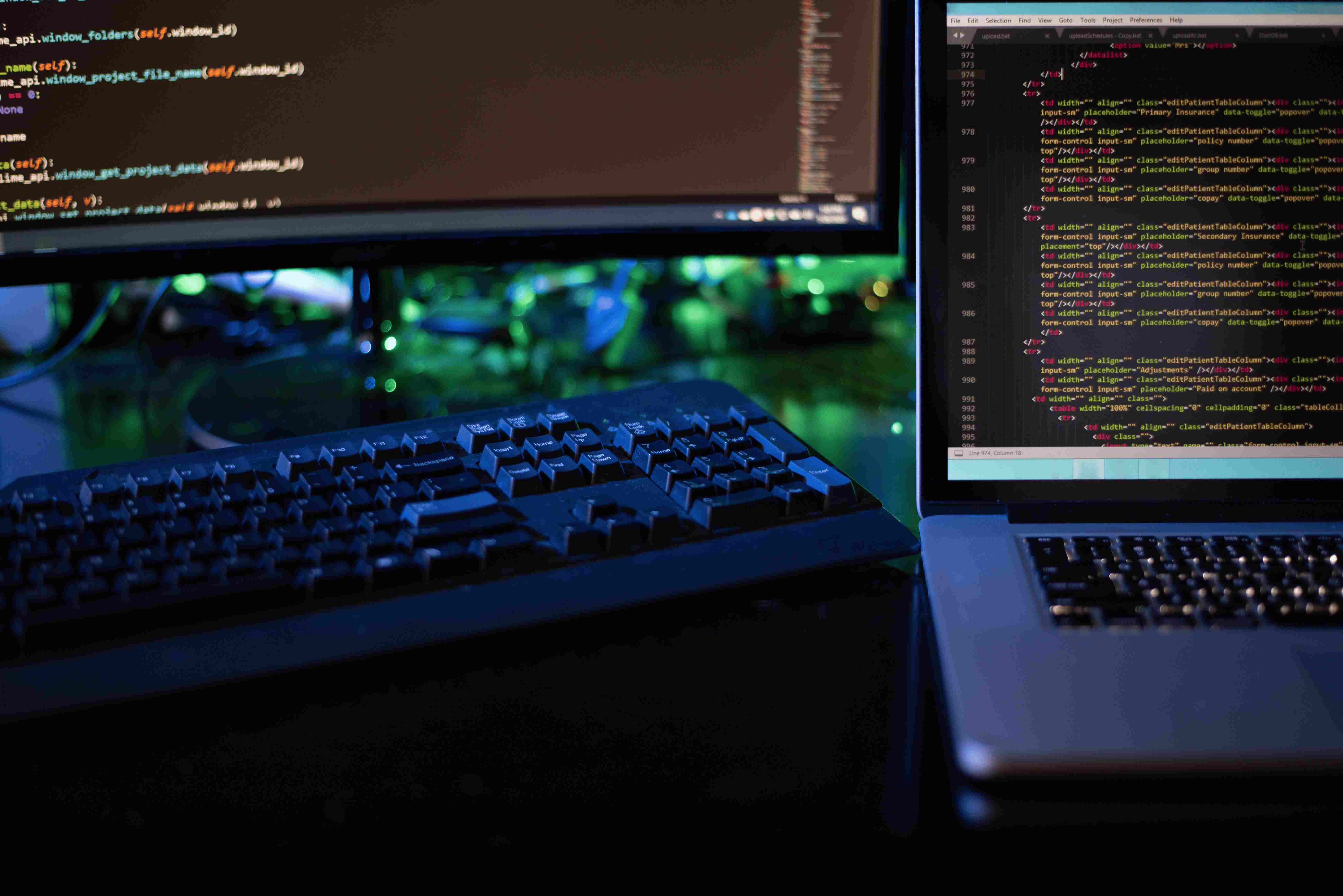
To use Llama 2 with a T4 GPU in Google Colab, first install the package with !pip install transformers and authenticate on Hugging Face. Then, import the necessary libraries such as AutoTokenizer y torch, It then initializes the model and tokenizer with simple code that generates text based on the provided input. These steps allow you to easily take advantage of Llama 2's capabilities.
Challenges and opportunities
Despite its impressive capabilities, Llama 2 faces challenges in terms of generalizability and transparency. However, its open-source nature encourages community collaboration to improve the model.